
How it works
Every job. Six stages. One place.
Buildbite runs every job from the first WhatsApp message to the closed-out archive — and turns the result into the report that sharpens your next quote. One source of truth, not five tools.
What Buildbite doesn't do: it's not your accounting system and not a payment processor. Buildbite owns the work, then hands off cleanly to the tools that own your books and your money.
Quote
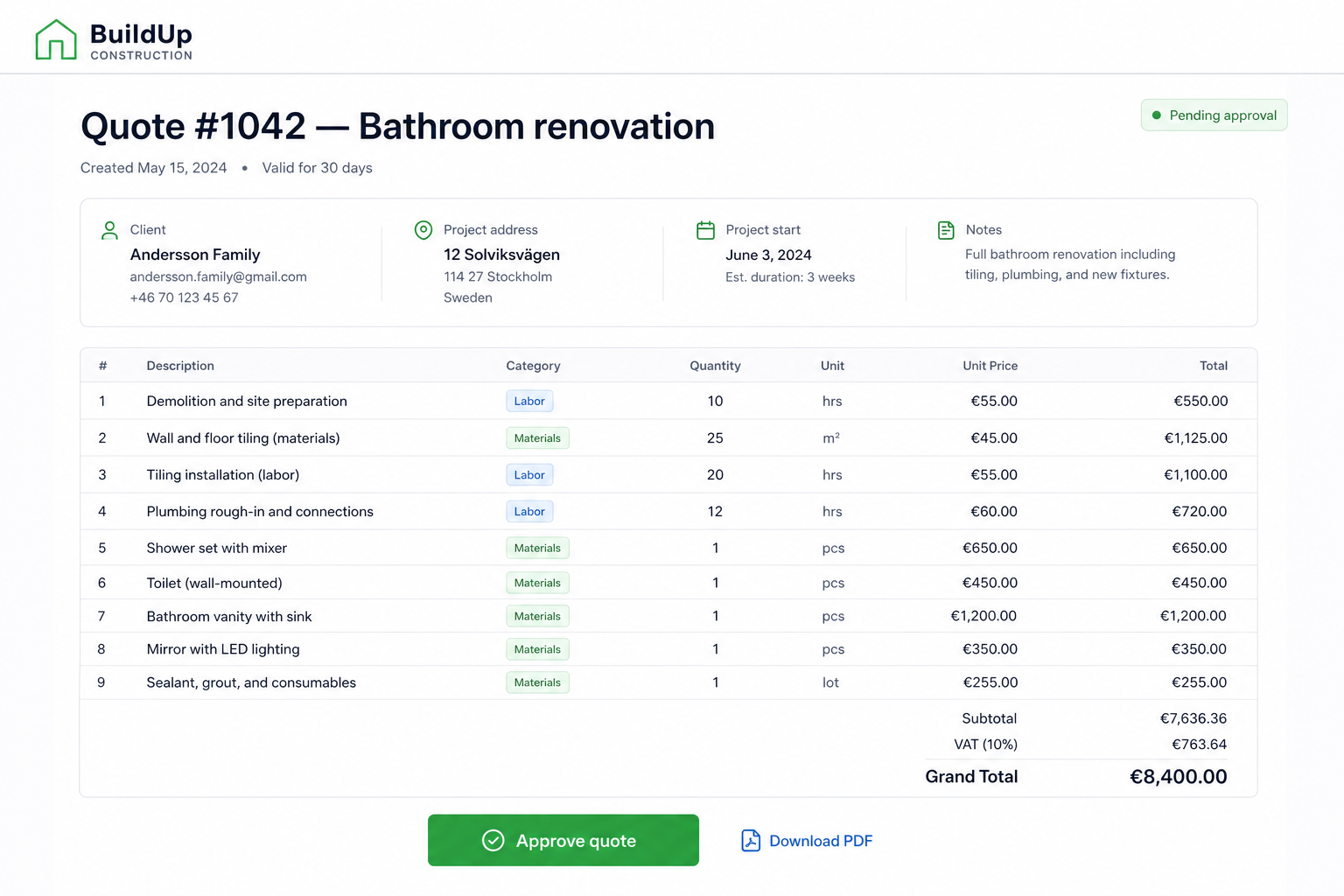
Buildbite turns a WhatsApp message into a branded, structured quote in minutes.
Capture the lead from a call, WhatsApp, email or site visit. Buildbite pulls from your quote templates, drops in line items from your library, and sends the client a branded weblink they approve online. The second they approve, Buildbite converts the quote into a live job — no re-keying. PDF stays available when a client insists.
At a glance
- Quote templates by trade and job type
- Reusable line-item library with prices
- Branded weblink for online approval (PDF optional)
- Approved quotes auto-convert into a live job
Plan
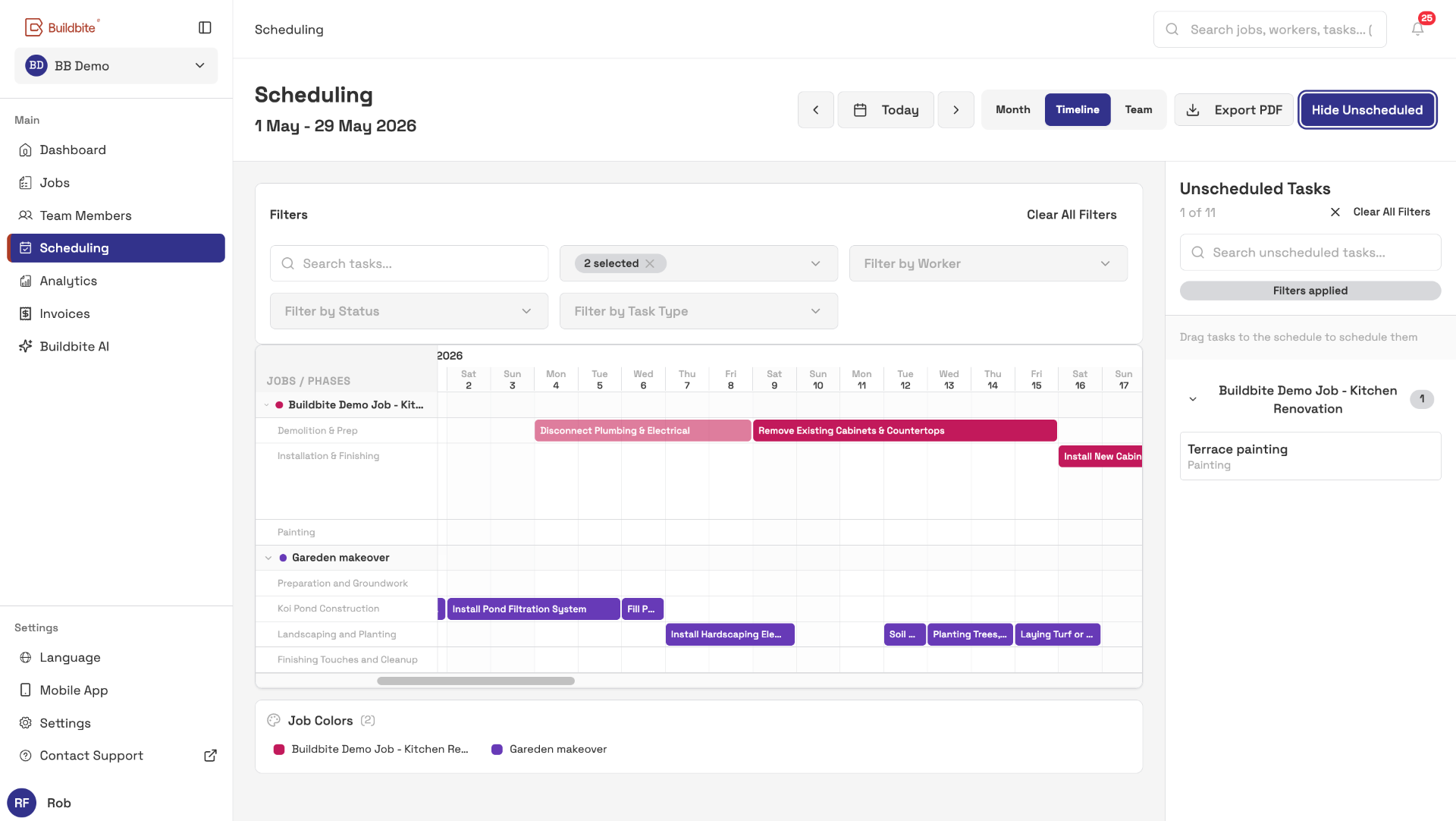
Buildbite turns the won quote into work your crew can actually follow.
Split the job into phases and tasks, assign crew and subs, set deadlines and dependencies — Buildbite mirrors that exact structure into the crew's phone. No separate site plan, no copy-paste, no version drift between office and field.
At a glance
- Phases and tasks under each job
- Assign internal crew and subcontractors
- Dependencies and deadlines on a calendar
- Same structure office → field
Execute
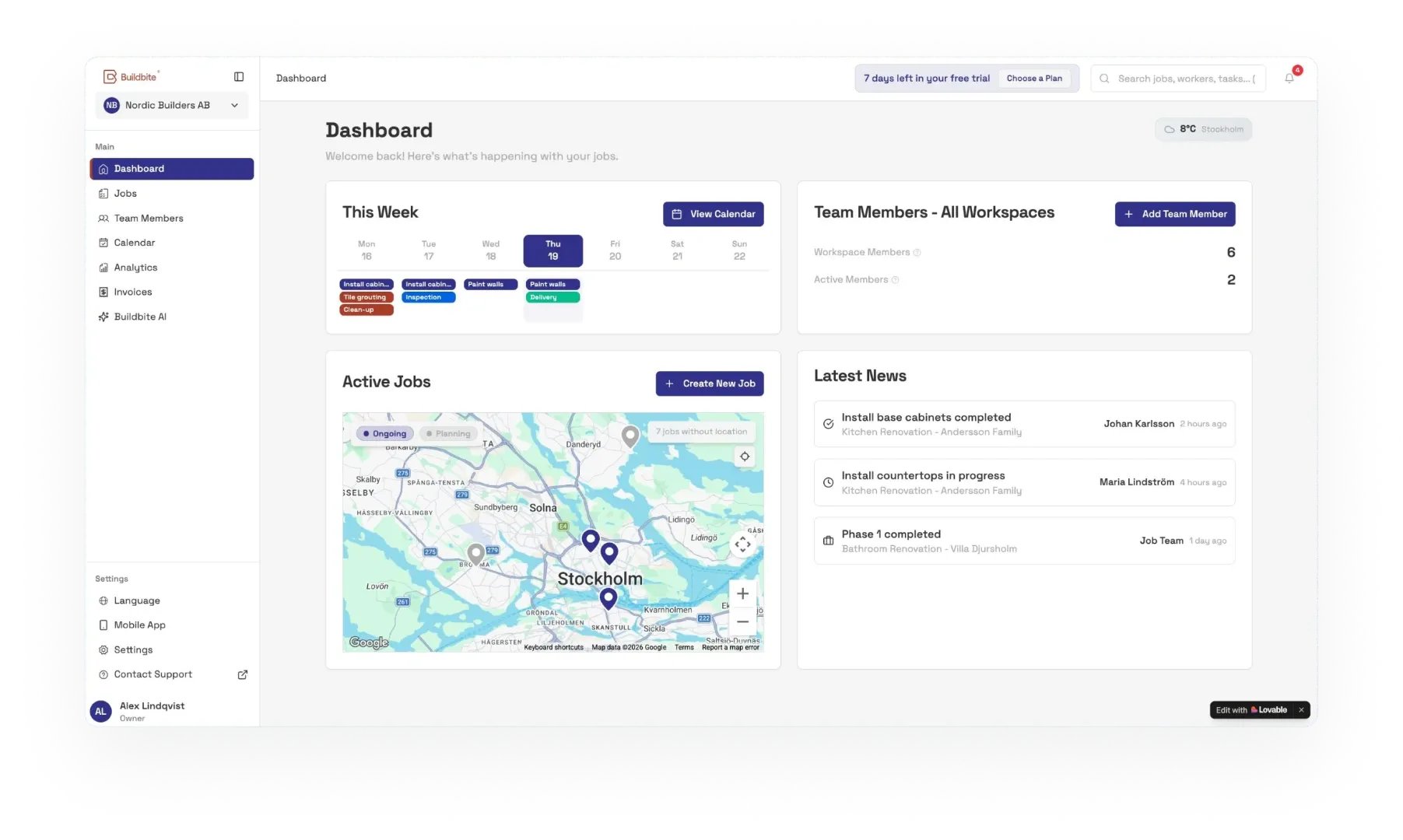
Buildbite makes the job thread the single source of truth.
Your crew opens the task in the native iOS or Android app, clocks in inside it, and snaps photos, notes and materials as the work happens. Buildbite lands everything on the right job, the same day, in whichever language each crew member prefers.
At a glance
- Native iOS and Android
- Clock-in inside each task
- Photo, note and material logging from the field
- Multiple languages for mixed crews

Invoice
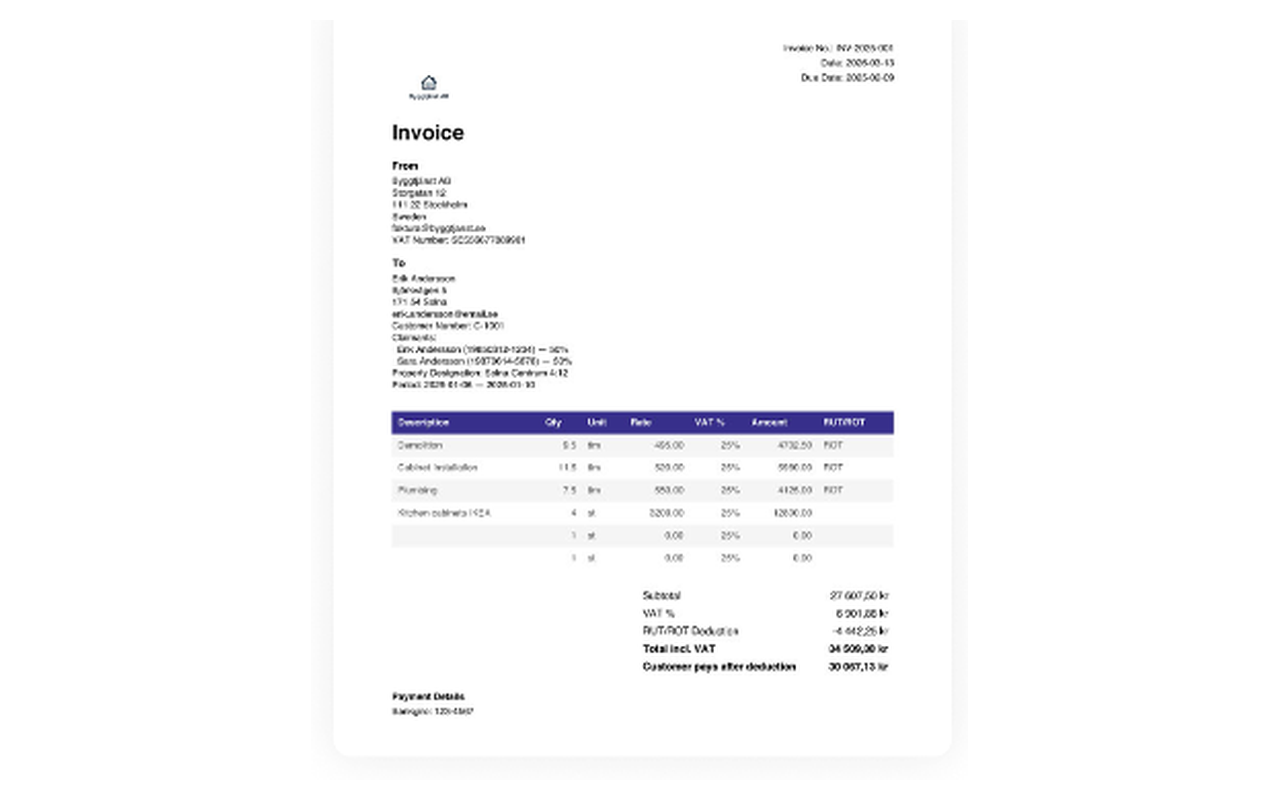
Buildbite drafts the invoice from the work that actually happened.
Hours, materials and approved change orders are rolled up by Buildbite into a draft invoice. Review it, then send the branded PDF yourself or push it straight into your accounting system. Every line is backed by clocked time, photos and an in-thread approval.
At a glance
- Auto-drafted from logged work
- Branded PDF for manual send
- Export to Fortnox, Visma, Procountor, Xero, QuickBooks, Sage, MYOB, Björn Lundén, Hogia, Netvisor
- Every line traceable back to the job
Close
Buildbite archives the job with everything intact — the quote, the change orders, the photos, the invoice, the client's sign-off approval — so when they call you in two years, you answer in 30 seconds.
Buildbite closes the job with photos, sign-off and warranty all attached. Search any detail from years ago in seconds.
At a glance
- Before/after photo gallery on every job
- Final client sign-off in-thread, timestamped
- Permanent archive — searchable years later
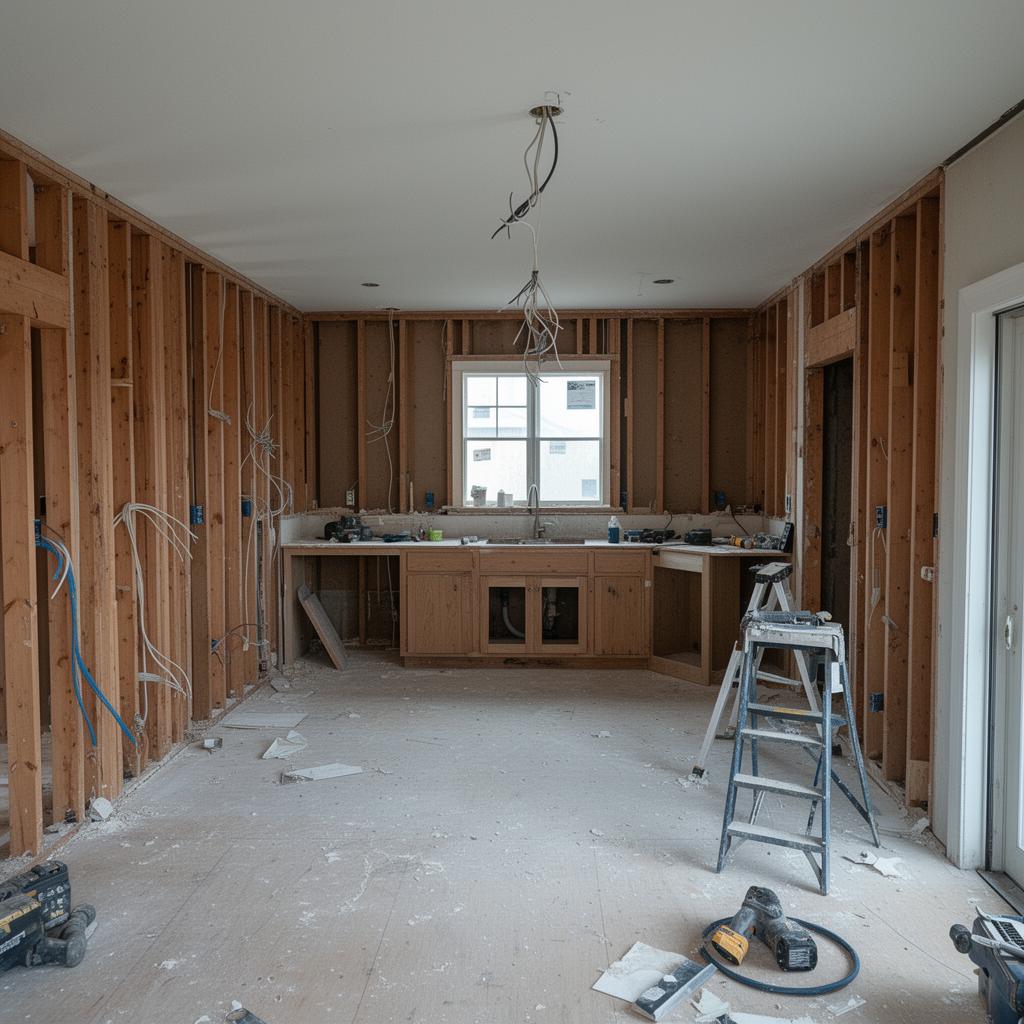 Before
 After
AfterReport
Buildbite measures every job so your next quote is sharper than the last.
Because the work was logged where it happened, the numbers are real. Buildbite shows you crew utilisation across the week and quote-vs-actual history by trade and customer — so each new quote learns from the one before.
At a glance
- Crew utilisation, week and month
- Quote-vs-actual history by trade and customer
- Pipeline view for the owner

Across every stage
Three surfaces Buildbite runs through all six stages.
Some things aren't a stage — they're how Buildbite feels day to day.
The job thread
Buildbite gives every task its own chat, with a job-level thread above it. Office, crew and client talk in the right place — every approval, change order and photo timestamped against the task it belongs to, instead of lost in a WhatsApp group.
Client view
Buildbite gives your client their own free login, scoped to just their job: live progress, photos, and in-thread approvals.
Notifications that know your role
Buildbite sends the right alerts to the right person — in-app and as push notifications. Relevant, scoped to your role and assignments — not a group-chat firehose.
Try it on your next job.
Where Buildbite stops
We own the job. Other tools own everything else.
Accounting
Buildbite generates the invoice and hands it off to Fortnox, Visma, Procountor, Xero, QuickBooks, Sage, MYOB, Björn Lundén, Hogia or Netvisor. Your books stay where they are.
Payments
Buildbite doesn't process payments. The invoice you send is paid the way you already get paid today.
Site safety & BIM
Method statements, RAMS and BIM coordination belong in the tools built for them. Buildbite stays focused on the operational job lifecycle.
Supported accounting system integrations










Ready when you are
See it run on your next job.
Book a 15-minute walkthrough and we'll show Buildbite running on a job like yours — or start the free trial and load your first job today.